 QRGuard
Checkpoints
Define critical areas in your facility as QR checkpoints.
OpenitySoft security technologies
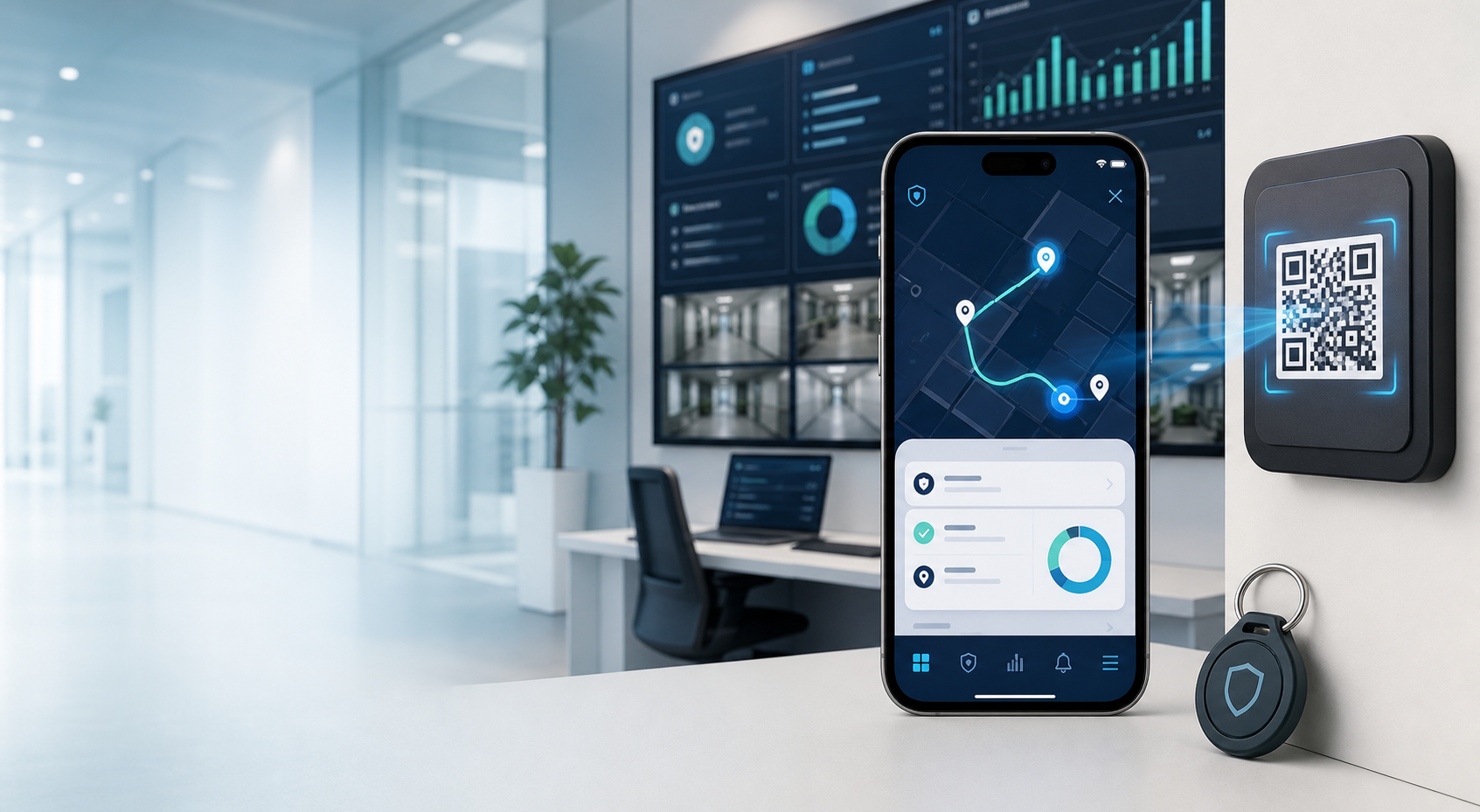
With QRGuard, security staff scan QR codes at assigned checkpoints. Time, location, personnel and patrol status are recorded in the management dashboard.
5 / 8 checkpoints completed
QR checkpoints
Place a QR label in every critical area. When staff scan it through the app, the record is created automatically.
Live tracking
Track active patrols, recently scanned checkpoints and incomplete tours from a clean dashboard.
Weekly patrol performance
Reporting
Patrol history, checkpoint records and personnel movements are available in a reportable structure.
Your information is not shared abroad. Special-category personal data is not processed. Records are deleted when the subscription is cancelled.
Enterprise use
Whether you manage a small residential site or a multi-point facility, QRGuard scales with the same simplicity.
Operational advantage
Core modules
Define critical areas in your facility as QR checkpoints.
Order checkpoints, create tour plans and assign them to staff.
Reduce permission complexity with guard, supervisor and admin roles.
Each scan is saved with time, checkpoint and user details.
Review daily, weekly and historical patrol movements.
A management model suitable for multiple companies and facilities.
OpenitySoft ecosystem
Frequently asked questions
QR labels are placed at the points to be checked. Staff scan them in the app to complete the checkpoint.
No. The system works with a mobile app and web panel. No additional device installation is required.
Historical records can be reviewed in the admin panel by date, personnel and checkpoint.
Legal information
Demo and sales meeting
Contact us for setup, pricing or a usage scenario tailored to your company.